
Setting up a home studio can feel overwhelming at first, but having the right tools makes all the difference. Whether you’re just starting out or want to improve your setup, knowing what gear to have helps you work smarter and get better sound.

These 9 essential home studio equipment tools are what every musician should own to make recording and producing easier and more professional. With the right gear, you’ll spend less time guessing and more time creating your music.
1) Shure SM7B Microphone
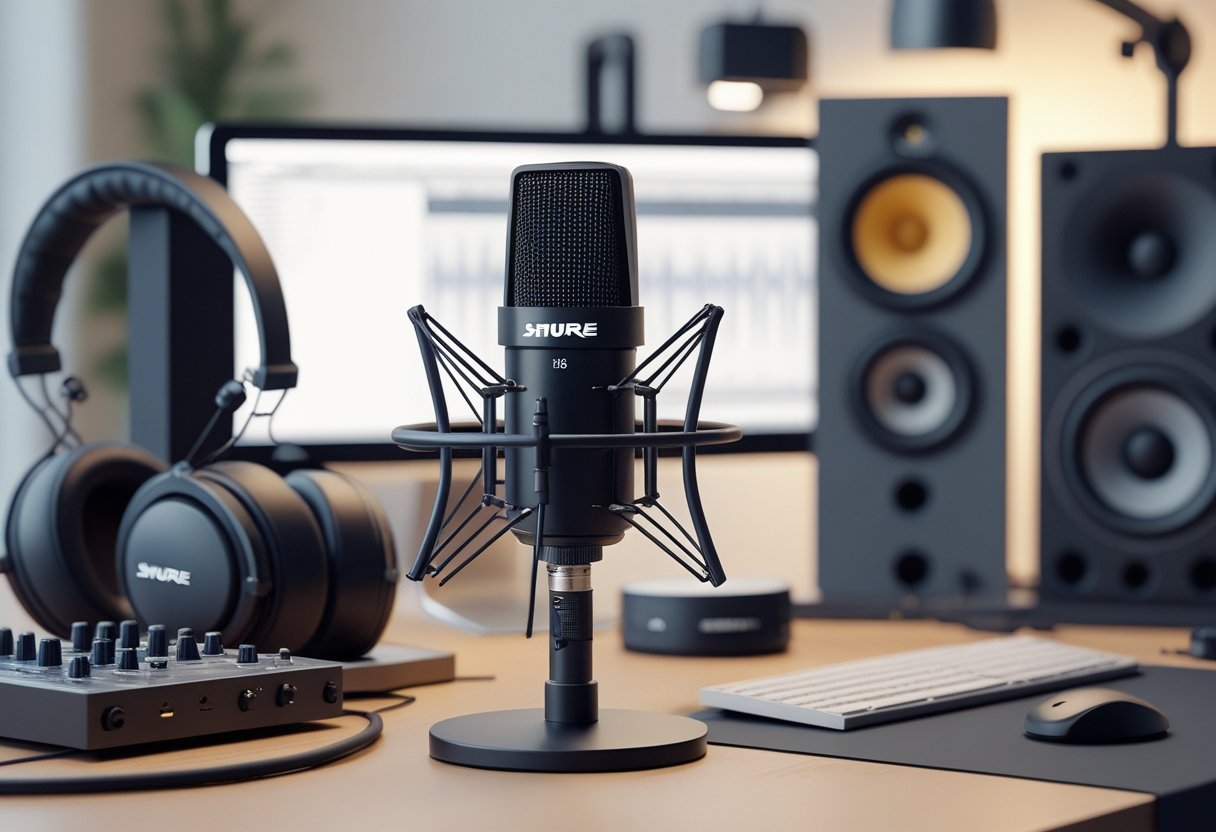
The Shure SM7B is a popular choice for home studios. It works great for vocals, podcasts, and instruments. You’ll get smooth, clear sound with little background noise.
This mic is built tough and lasts a long time. It shines when used with a good preamp that gives enough gain. You can adjust it easily on a stable stand to find the perfect position.
2) Focusrite Scarlett 2i2 Audio Interface
The Focusrite Scarlett 2i2 is a solid choice for your home studio. It lets you plug in microphones and instruments easily, giving you clear sound.
You’ll find it simple to set up and reliable, so you can focus on recording instead of tech issues. Plus, it works well with most recording software.
This device is great if you want quality sound without spending too much. It helps your tracks sound more professional right from your computer.
3) KRK Rokit 5 Studio Monitors
If you want clear, accurate sound for your mixes, the KRK Rokit 5 monitors are a solid choice. They deliver good quality without costing too much, making them great for home studios.
These monitors have a 5-inch driver that helps you hear details in your music. You can use them for all kinds of projects, from beats to band recordings.
They are easy to set up and work well in small spaces. Using them can help you make better mixing decisions compared to just headphones.
4) Audio-Technica ATH-M50x Headphones
The ATH-M50x headphones are a solid pick for your home studio. They offer clear, balanced sound with a bit of bass, which helps you catch all the details in your tracks.
They’re built tough and have comfy ear cups that block out outside noise. You’ll also like the detachable cable, making them easy to move around with. These headphones work well whether you’re mixing, recording, or just listening.
5) Ableton Live Music Production Software
Ableton Live is a popular software many musicians use to make music. It works well for electronic music and lets you record, edit, and mix your tracks easily.
You can try different sounds and effects, and the interface is built to keep your creative flow going. It also works with many hardware devices you might use in your studio.
If you want a solid program to produce music at home, Ableton Live is a good choice to consider.
6) AKG P420 Condenser Microphone
The AKG P420 is a solid choice if you want a mic that can do a bit of everything. It has three switchable polar patterns, so you can use it for vocals, instruments, or even group recordings.
It’s great for home studios because it’s budget-friendly but still offers clear, warm sound. You’ll also find it works well on drums and brass instruments.
The mic is tough enough to handle regular use, making it a reliable tool for your recording setup.
7) PreSonus Eris E3.5 Studio Monitors
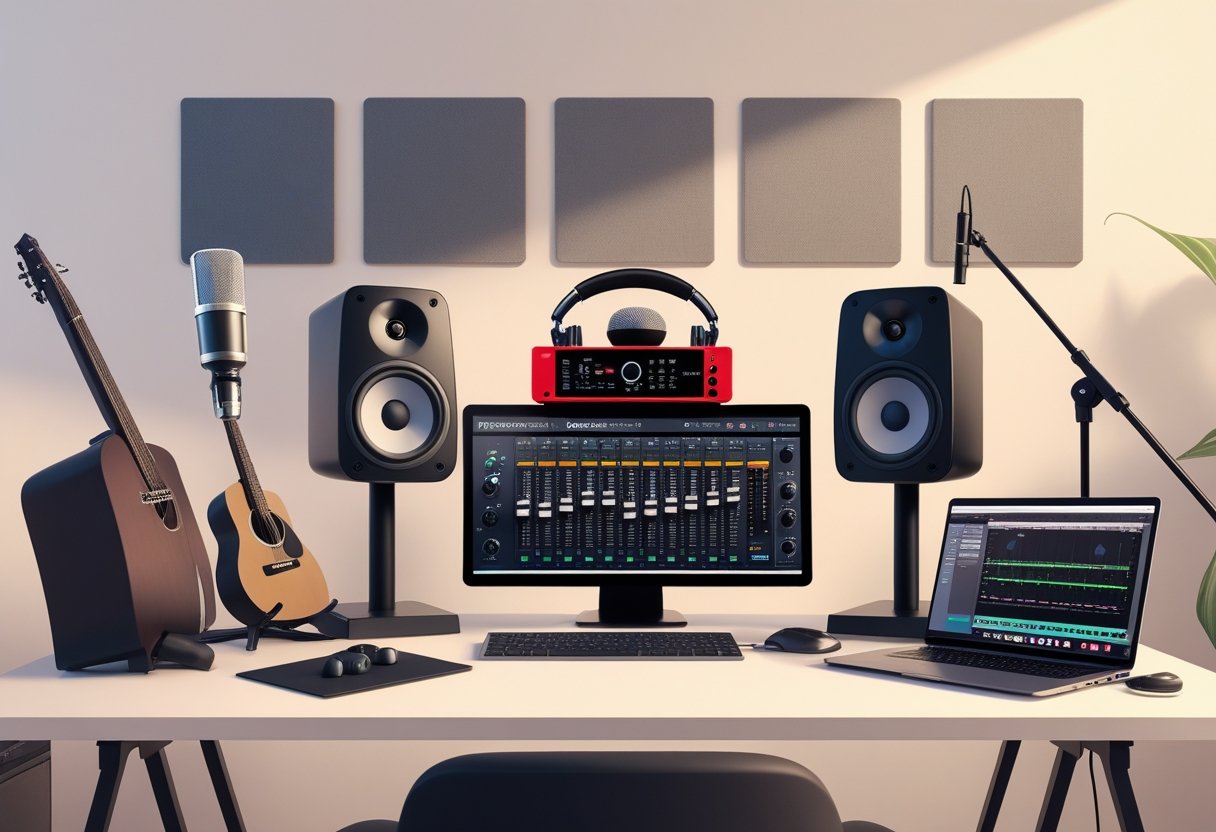
If you want clear sound without spending a lot, the PreSonus Eris E3.5 monitors are a solid pick. They fit easily on your desk and give good detail for mixing or just listening.
These monitors work well for home studios, gaming, or watching videos. You’ll find different input options, so hooking them up is simple. They show sound accurately, helping you hear every part of your music.
8) Universal Audio Apollo Twin Interface
The Apollo Twin is a solid choice if you want clear, professional sound at home. It’s compact but powerful, making it easy to fit on your desk.
You get real-time processing, which means you can hear effects without delays. This helps when recording or mixing your music.
It works well for beginners and experienced musicians. The interface connects easily to your computer and offers high-quality inputs for your instruments and microphones.
9) Native Instruments Komplete Kontrol MIDI Keyboard
The Komplete Kontrol MIDI keyboard is a solid choice for your home studio. It comes in different sizes, from 25 to 88 keys, so you can pick what fits your space and style.
You get smart controls like rotary knobs and pitch wheels that make tweaking sounds easier. It works well with Native Instruments software but also fits with other setups you might have.
Setting Up Your Home Studio
Choosing the right room and organizing your gear go a long way toward making your home studio sound better and work smoother. Paying attention to how sound behaves in your space and managing cables well helps avoid common headaches.
Room Selection and Acoustic Treatment
Pick a room with minimal outside noise and soft surfaces. Avoid rooms with lots of hard floors or bare walls because they cause echo and unwanted sound reflections.
Use foam panels or bass traps on walls and corners to absorb sound waves. Curtains, rugs, or even bookshelves can also help reduce echo.
Keep your desk and speakers away from walls if you can. This prevents sound waves from bouncing back and muddying the audio.
Try to listen in your room at different times and make small changes. Treat spots where sound feels harsh or boomy by adding more soft materials. This makes your recordings clearer.
Cable Management Tips
Using the right cables is key, but keeping them organized matters just as much. Tangled cables can break or make weird noises, so keep them neat.
Label your cables with tape or tags to tell them apart quickly. Group cables using Velcro straps or cable ties.
Run cables along walls or under your desk to keep them out of the way. Avoid sharp bends or tight loops to prevent damage.
If possible, invest in shorter cables for devices close to each other. This reduces clutter and keeps the workspace clean.
Good cable management saves you time and frustration when setting up or troubleshooting gear.
Maximizing Your Studio Gear
Getting the most out of your studio gear means keeping it in good shape and setting up your workspace to boost creativity. Small habits and smart organization can make a big difference in how smoothly your sessions go and how good your recordings sound.
Maintaining Your Equipment
Your gear will perform better and last longer if you take care of it regularly. Clean your microphones with a soft cloth and keep them covered to avoid dust buildup.
Check cables for frays or loose connections before every session. Replace damaged cables quickly to stop signal problems.
Keep your computer software and drivers up to date. This helps avoid crashes and improves compatibility with your gear.
Store your headphones and monitors away from direct sunlight and moisture. This prevents damage and keeps the sound quality sharp.
Optimizing Workflow for Creativity
Organize your workspace so your essential gear is easy to reach. Arrange your computer, audio interface, and MIDI controllers in a way that fits how you work.
Use templates in your recording software to speed up session setup. This saves you from starting from scratch every time.
Label your cables and tracks clearly. This simple step can reduce confusion and keep your focus on making music instead of fixing mistakes.
Take breaks often to avoid fatigue. Fresh ears catch mistakes and inspire new ideas. Rotate between mixing, recording, and editing to maintain creative energy.
Pin This for Later


